
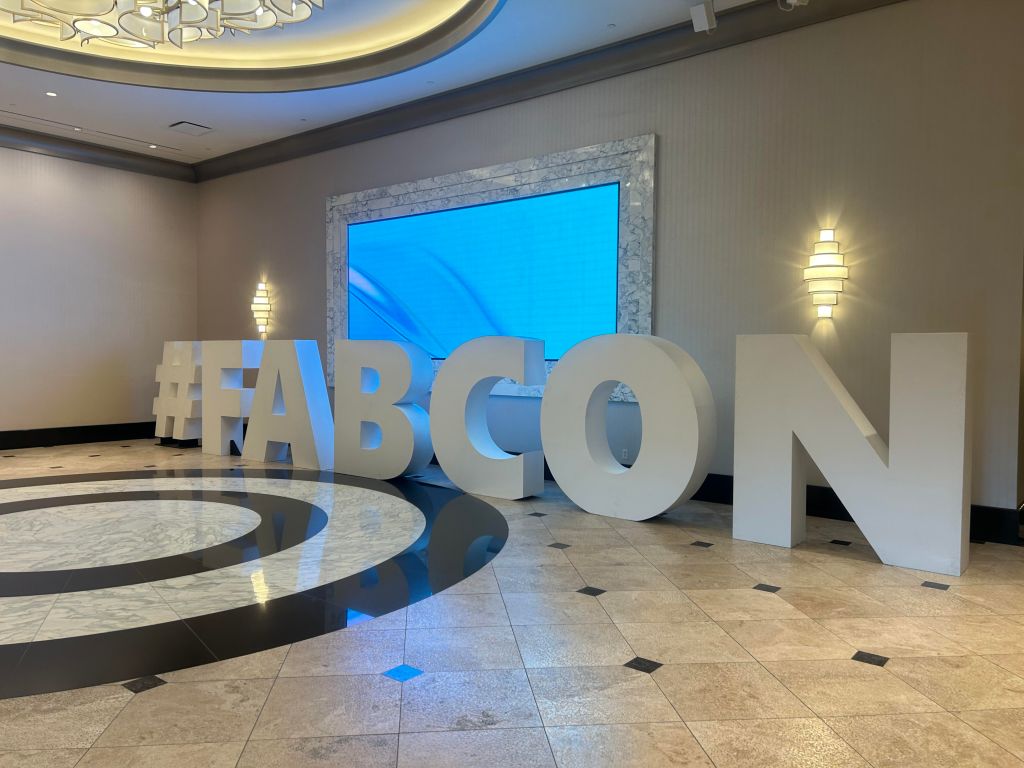
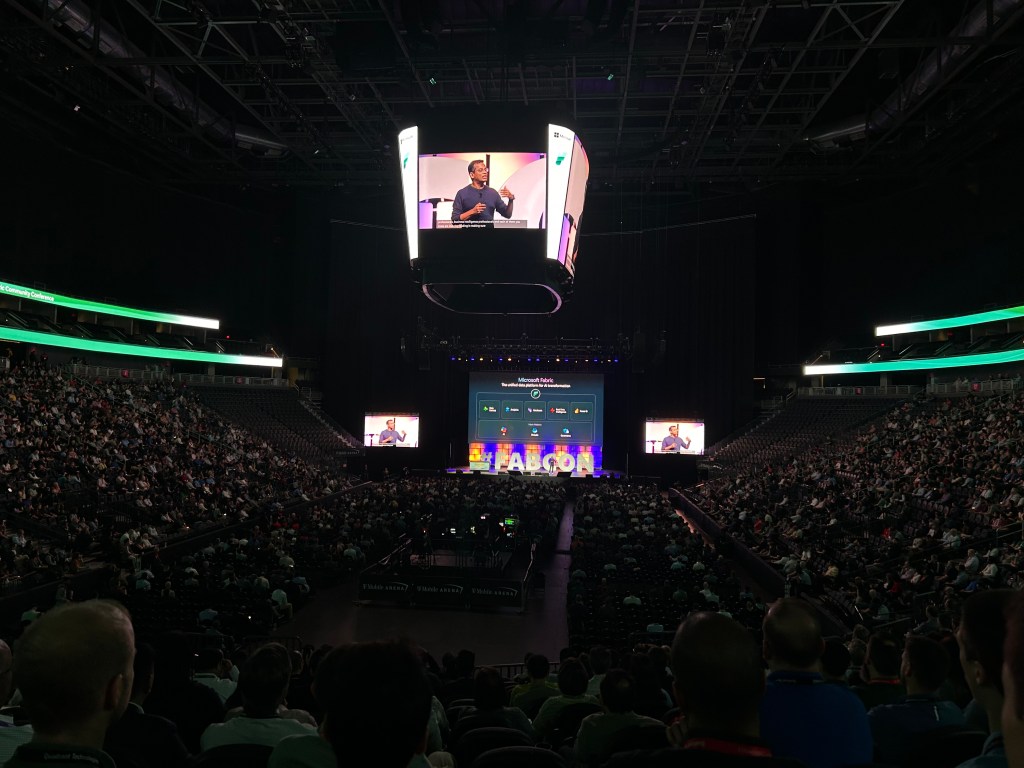
I spent this year’s Fabric Community Conference heads-down in the most technical sessions I could find. Below is my field report—no hype, just the patterns, architectures, and knobs you can turn today to ship faster, more reliable analytics on Microsoft Fabric and Power BI.
SCD2 in Dataflows Gen2: History as a First-Class Citizen
Why it matters: Lots of business entities evolve (parts, suppliers, employee attributes). You need the entire story, not just the latest value.
Key ideas I brought home:
- Type 2 all the way: New row per change; maintain
StartDate/EndDateto time-bound each version. - Fabric-native & low-code: SCD2 can be built visually in Dataflows Gen2, aligned to a Bronze → Silver → Gold medallion flow.
- Surrogates > business keys: Use surrogate keys in dimensions; replace foreign keys in facts with those surrogates to make time-travel joins deterministic.
Metadata-Driven Pipelines on Fabric SQL DB + Data Factory
Why it matters: When you scale ingestion across dozens of sources, hand-coded pipelines turn into spaghetti.
What “good” looks like:
- Fabric SQL DB as the control plane: Store table configs (full vs. incremental), cleansing rules per layer, and environment variables in relational tables.
- Pipelines read metadata: Parameterize your Data Factory/Pipeline/Notebook steps; log runs (start/end times, row counts, failure context) for auditability.
- Outcome: Lower duplication, standardized onboarding, and clear lineage/observability across the lake.
Fabric SQL Databases for Datamarts & Dashboards: Design for Speed
Why it matters: Power BI flies when the storage model is shaped for analytics.
Practical design notes:
- Favor a Star Schema (facts + dimensions) over 3NF for reporting.
- Columnstore indexes on large fact tables to compress, vectorize, and speed scans/aggregations.
- Partition by a natural time key (e.g., year) and use heaps for fast staging loads; consider filtered indexes for skewed slices.
Power BI Copilot: Make Your Models “AI-Readable”
What works now:
- Copilot can draft DAX, suggest visuals/layouts, and summarize insights; it’s most effective with clean names, synonyms, and descriptions in your model.
- Prompting pattern that helps: “Visual + Measure + Dimension + Filters” (e.g., “Top 5 categories by margin as a bar chart, by Year”).
What’s coming (directionally):
- More control via grounding, verified answers, schema selection, and custom instructions to keep generative output within trusted boundaries.
Semantic Link: Reuse Your BI Semantics in ML
Why it matters: Stop re-creating business logic in notebooks. Reuse curated Power BI semantic models directly in Spark/Python for ML.
Patterns that clicked:
- Pull measures/KPIs from the BI layer into AutoML or custom ML, instead of rebuilding transformations.
- Storage mode doesn’t block you; Semantic Link works model-level, while Delta operates storage-level.
- Early building blocks for monitoring & MLOps (drift, performance tracking) are taking shape.
Productionizing Spark on Fabric: Profiles, Concurrency, and Hygiene
Performance levers:
- Resource profiles per layer:
writeHeavyfor Bronze ingestion,conformance(or custom) for Silver transforms,readHeavyForPBIfor Gold/reporting.
- High-concurrency sessions shrink startup to ~seconds—great when chaining multiple notebooks in a pipeline.
- Troubleshooting playbook: watch partitions, skew, repeated actions on uncached data, and match
spark.tasksettings to your workload.
Native Execution Engine (NEE): “Flip the Switch” Speedups
What it is: A native C++ engine (Velox + Gluten) that accelerates Spark plans with vectorized columnar execution—no code changes.
Why I’m excited:
- Real-world workloads see 2–6× speedups; standard TPC-H queries ~4×—with smarter memory and shuffle handling.
- Enable it per session and Fabric will fall back to JVM Spark when an operator isn’t supported.
- Pairs well with big joins, aggregations, and Delta operations typical in analytics ETL.
Admin Monitoring Workspace: Governance You Can Extend
What you get out-of-the-box: Feature usage, sharing activity, cross-tenant views—solid adoption and governance telemetry.
How to extend safely:
- Enrich with org context (departments, cost centers) using composite models.
- Use Semantic Link to pipeline long-term audit metrics into your Lakehouse for trend tracking.
- Keep an eye on schema drift after Fabric updates; treat monitoring assets as sensitive.
Fabric for Power BI Pros: OneLake, DFG2, Direct Lake, Data Activator
The bigger picture:
- OneLake unifies data across clouds and platforms via shortcuts—less copying, more sharing.
- Dataflows Gen2 brings low-code ELT into the lake with orchestration and incremental refresh.
- Direct Lake blends Import-like performance with a DirectQuery-style freshness path from Delta in OneLake.
- Data Activator turns data conditions into actions (alerts & workflows) so your insights actually move the business.
Closing Thoughts
Across sessions, a few themes kept surfacing:
- Design for semantics first. When measures and dimensions are clean, Copilot and Semantic Link add real leverage.
- Separate control from compute. A metadata-driven control plane makes pipelines repeatable and observable.
- Optimize where it pays. Star schemas, columnstore, and the Native Execution Engine give the biggest speed-per-minute invested.
- Treat monitoring as a product. Governance and adoption data deserves its own model, lifecycle, and guardrails.
 Rikin Basu
Leave a comment